Screenshots
| Read
Reviews |
| Bugs in Library Manager
| Release History
|
Library Manager Screenshots: (Page 4)
Page 1
| 2 | 3 | 4
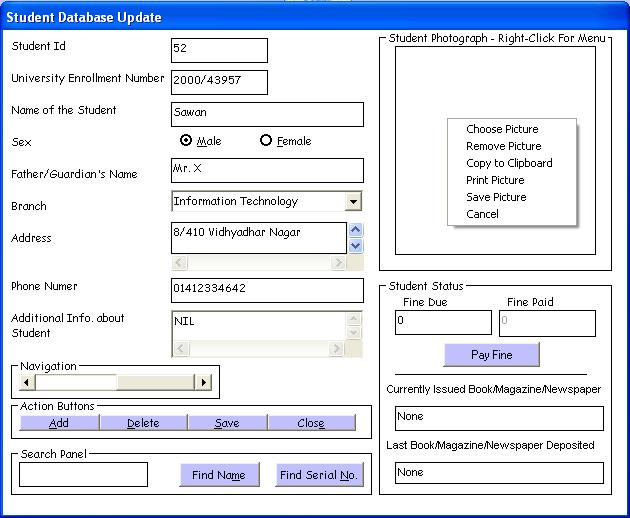
Here you can update the Student Information. Not all fields are
mandatory. You can also store a Student photo using the menu. Picture
can be chosen from disk or a fresh can be taken using a webcam.
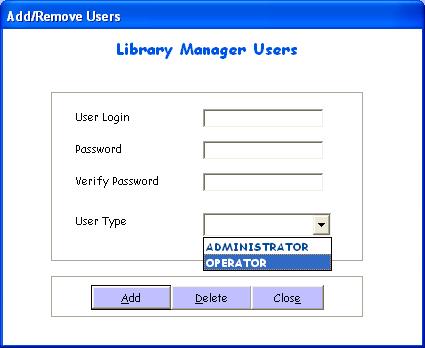
There are two types of users supported in Library Manager.
Administrator can do all sort of operations using the software.
Operator can simply do Issue/Return and view Reports. Operator is not
allowed to do any kind of data entry.
Back to
Home Page
|


