Regional Language Support in Library Manager
Go Back
Please reach out to us, if you can help with language translations. We will be happy to convert the software in your preferred language.
You can use any
language in Library Manager if you have the language font installed on your
system:
The Example below shows on how to use the
language features and the current software restrictions regarding it.
Open Program Settings' General Tab and click
"Choose Font".
Select the appropriate language font.
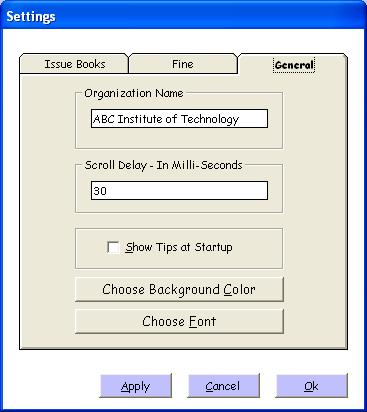
After selecting the appropriate font, restart
the software for the changes to take effect. Now you can use the
selected font for Data Entry and
Reports, However the Menus will still be in English. Only the Data
Entry and Reporting can be done as per the font selected.

The above picture shows the use of "Hindi
(Indian Language)" font being used for data entry.
Go Back
|


